
Blog
Ryzen AI Max+ 395 Mini Workstations: New Compact AI PCs for Local LLMs

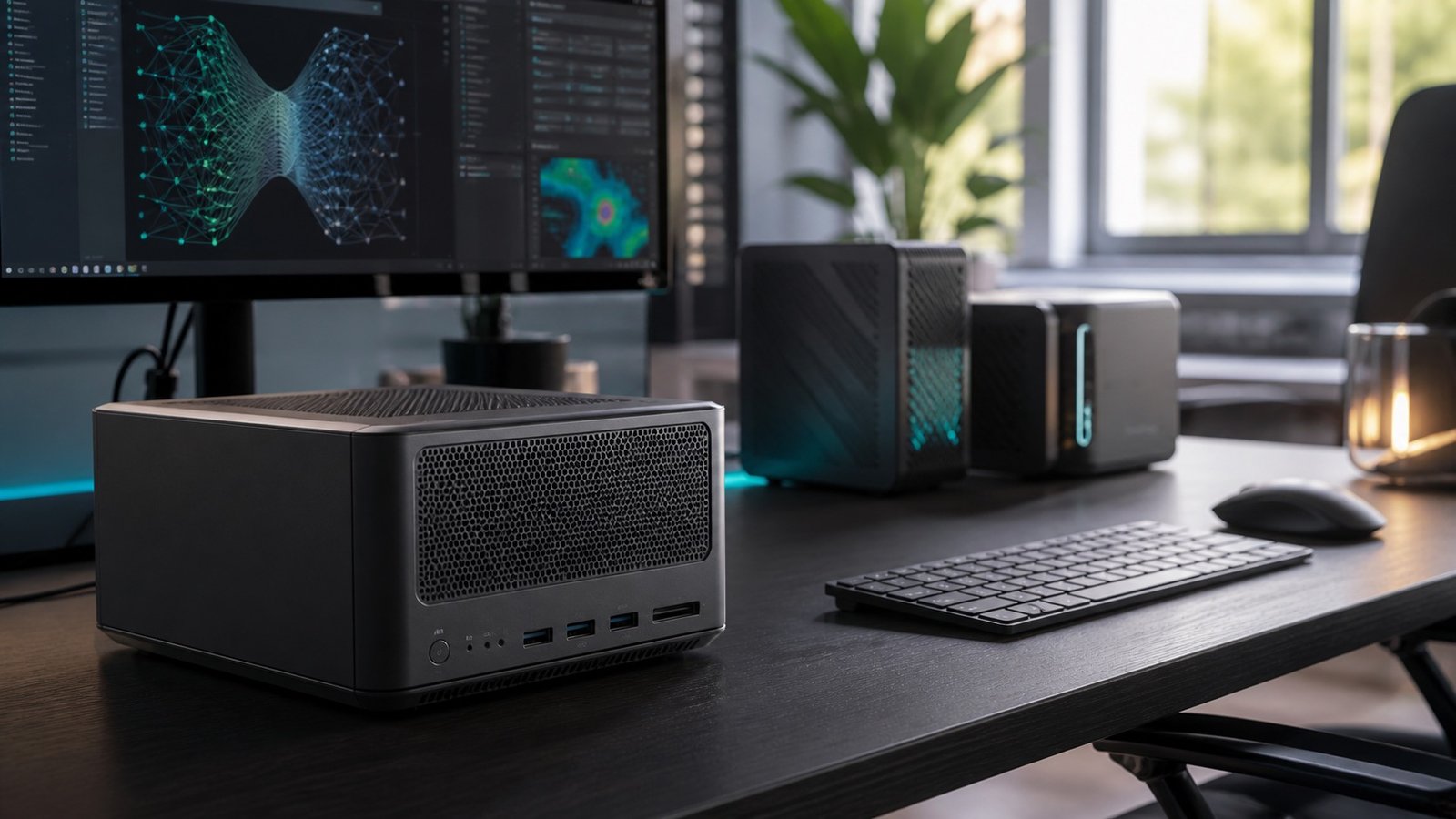
The newest wave of compact AI hardware is not just about making desktops smaller. It is about putting real local inference, model experimentation, and creator-class multitasking into systems that can sit on a desk instead of under one. ComputaHardware has just added several Ryzen AI Max+ 395 machines that fit that brief: the BOSGAME M5 AI Mini PC, the MINISFORUM MS-S1 Max Mini Workstation, and the AMD Ryzen AI Halo Developer Platform.
For shoppers comparing AI mini PCs, the shared headline is the AMD Ryzen AI Max+ 395 processor. The product listings describe it as a 16-core, 32-thread chip paired with Radeon 8060S graphics and up to 126 TOPS of on-device AI performance. That combination makes these systems especially interesting for local LLM inference, AI-assisted development, media work, and compact workstation setups where space matters.
Shop the Products Mentioned
- BOSGAME M5 AI Mini PC (Ryzen AI Max+ 395) – Best fit for buyers who want a high-end all-metal AI mini PC with strong display and USB4 support.
View product - MINISFORUM MS-S1 Max Mini Workstation (Ryzen AI Max+ 395) – Best fit for workstation buyers who need dual 10GbE, USB4 V2, and sustained compact performance.
View product - AMD Ryzen AI Halo Developer Platform (Ryzen AI Max+ 395) – Best fit for developers testing local AI workflows with AMD hardware and ROCm support.
View product
Newest Ryzen AI Max+ 395 Systems Added
The BOSGAME M5 AI Mini PC (Ryzen AI Max+ 395) is the most mini-PC-like option in this group. It combines the Ryzen AI Max+ 395 with Radeon 8060S graphics in an all-metal chassis, and the listing highlights up to 128GB LPDDR5X memory, a 2TB SSD, dual USB4 ports, WiFi 7, and quad 8K display support. For buyers who want one compact machine for local AI workflows, creative work, and gaming, it is the broadest fit.
The MINISFORUM MS-S1 Max Mini Workstation (Ryzen AI Max+ 395) leans more explicitly into workstation territory. Its listing calls out up to 128GB LPDDR5x memory, dual 10GbE, USB4 V2 at 80Gbps, WiFi 7, and a 320W platform cooled by a copper-substrate system with dual centrifugal turbine fans. That makes it a stronger match for users who care about sustained workloads and fast networking.
The AMD Ryzen AI Halo Developer Platform (Ryzen AI Max+ 395) is the most developer-focused option. Its listing pairs the same flagship Ryzen AI Max+ 395 with 128GB of shared LPDDR5x-8000 memory, a 2TB NVMe SSD, Radeon 8060S graphics, and ROCm software support. If the goal is testing models, prototyping AI applications, or developing directly against AMD’s AI hardware stack, this is the one to study first.
Who Should Choose a Compact AI Workstation?
A compact AI workstation makes sense when you want more local control than a cloud-only workflow provides. Local hardware can be useful for private datasets, quick iteration, offline experiments, and predictable hands-on performance. It also keeps the workstation physically close to the person building or testing the workflow, which is helpful for developers, consultants, researchers, and creators who work across multiple projects.
The main tradeoff is that these machines are not budget desktops. They are specialized systems for people who can use the memory, compute, connectivity, or compact form factor. If your work is mostly web browsing, documents, and video calls, a simpler business mini PC is easier to justify. If you run AI tools, code environments, creative applications, and large multitasking sessions every day, the extra hardware starts to make more sense.
How to Compare Them
Start with memory needs. Local AI workloads can become memory-limited quickly, especially when larger models or multiple applications are open at the same time. The BOSGAME M5 and MINISFORUM MS-S1 Max listings both emphasize configurations up to 128GB, while the AMD developer platform listing specifies 128GB shared LPDDR5x-8000 memory.
Next, compare connectivity. The MINISFORUM system stands out for dual 10GbE and USB4 V2, which matters if you move large datasets, use fast external storage, or connect into a more serious lab or studio network. The BOSGAME M5 is attractive for compact desk setups with dual USB4, WiFi 7, and quad 8K display support. The AMD developer platform is more about software alignment and development use.
Finally, think about the role of the machine. A mini PC for mixed AI, gaming, and creative use is different from a workstation that will spend long sessions compiling, rendering, transferring large files, or running local inference. The right system is the one that matches the work you repeat every week, not just the spec that looks biggest on paper.
Buying Tips for Local AI Hardware
If you are buying for local LLMs, do not judge the machine by TOPS alone. TOPS is useful for understanding AI acceleration potential, but the real experience also depends on memory capacity, software support, thermals, storage speed, and the size of the models you plan to run. A machine with generous memory and stable cooling can feel better in daily work than a system that looks impressive but struggles under sustained load.
Developers should also check the software environment before choosing. The AMD Ryzen AI Halo Developer Platform listing specifically mentions ROCm software support, which is a major reason to consider it for experimentation. Buyers focused on production workflows may care more about networking, external storage, and display support, where the MINISFORUM and BOSGAME listings each offer useful strengths.
For creators, the important question is whether the AI workload is part of a larger pipeline. If you edit video, generate assets, organize media, run code, and test models on the same desk, compact power is valuable because it keeps the whole workflow in one place. If the AI workload is occasional, a business AI mini desktop may be the more sensible step.
Bottom Line
The latest Ryzen AI Max+ 395 additions give ComputaHardware shoppers three clear paths into compact AI computing: BOSGAME M5 for a high-end all-metal AI mini PC, MINISFORUM MS-S1 Max for a network-rich compact workstation, and AMD Ryzen AI Halo Developer Platform for developers building around AMD's local AI ecosystem. For local LLMs and serious desktop AI experiments, these product pages are the best starting points for comparing configurations and availability.

