






Apple MacBook Pro (M5 Pro)
Price range: $2,199.00 through $4,299.00
Pro-level performance in 14-inch and 16-inch: up to 18-core CPU, 20-core GPU, 64GB memory.
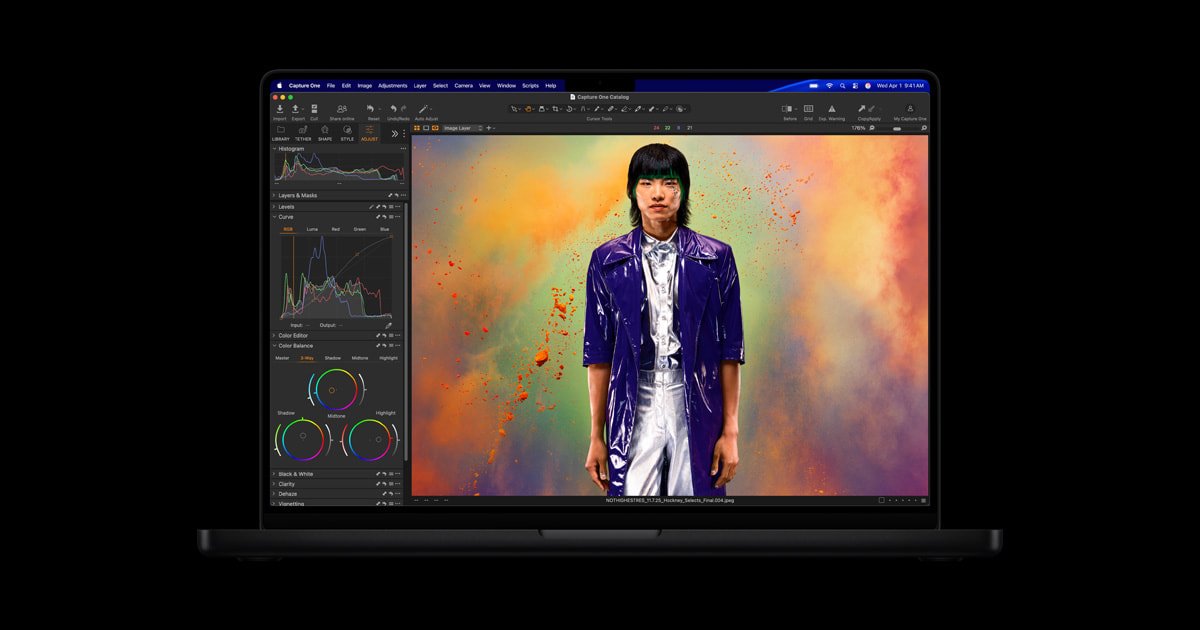
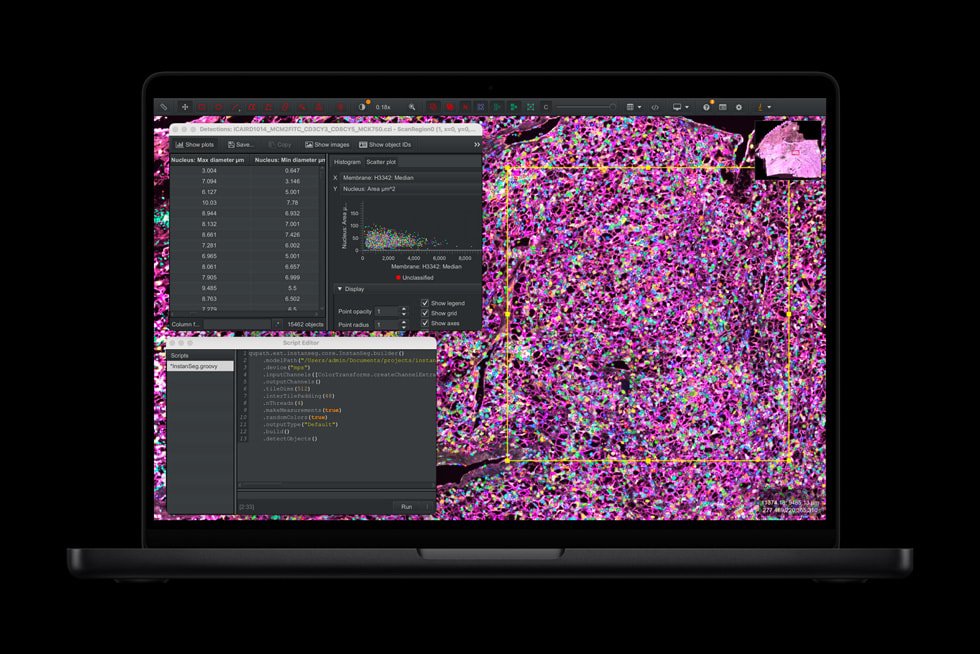
MacBook Pro with M5 Pro is built for the professional who needs serious, sustained performance without paying for headroom they’ll never use. Developers compiling large codebases, engineers running CAD and simulation software, and photographers and editors working through huge RAW and video libraries all get workstation-class speed in the same 14-inch or 16-inch chassis as the range-topping Max model — at a meaningfully lower price and with battery life that comfortably outlasts a working day.
Key Features
- Up to 18-core CPU — 6 new “super core” high-performance cores plus 12 power-efficient performance cores, up to 7.8x faster than the original M1 Pro.
- Up to 20-core GPU — strong, sustained graphics performance for creative and technical workloads, with hardware-accelerated ray tracing.
- Up to 64GB unified memory — enough headroom for large development environments, multi-app workflows, and mid-size local AI models.
- 307GB/s memory bandwidth — a big step up over previous-generation Pro chips, keeping the system responsive under heavy multitasking.
- 16-core Neural Engine — on-device acceleration for machine learning tasks and Apple Intelligence features.
- Liquid Retina XDR display — up to 1600 nits peak HDR brightness with ProMotion adaptive refresh up to 120Hz.
- Up to 24-hour battery life (16-inch, video playback) — genuinely all-day use away from a charger.
- Three Thunderbolt 5 ports, MagSafe 3, HDMI, SD card slot, and headphone jack — connect displays, drives, and cameras without an adapter.
The Sensible Power Choice for Developers and Creatives
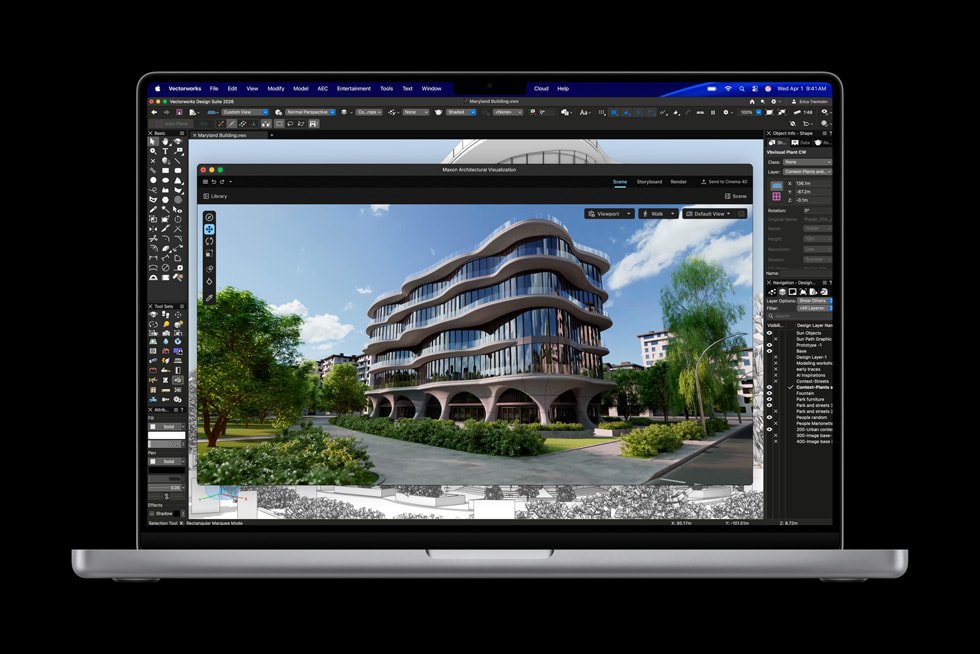
Not every professional workload needs a 40-core GPU. Software engineers running Docker containers, compiling large projects, or working across multiple virtual machines benefit far more from M5 Pro’s fast super cores and generous memory than from extra GPU muscle they’ll rarely touch. The same is true for architects and product designers running CAD software, and for photographers batch-processing thousands of RAW files in Lightroom — all workloads where CPU speed, memory capacity, and battery efficiency matter more than raw graphics throughput.
That said, M5 Pro’s 20-core GPU is far from a compromise. It comfortably handles 4K and multi-stream HD video editing, motion graphics work in After Effects, and day-to-day 3D work in Blender or Cinema 4D. Combined with up to 64GB of unified memory, it’s also capable of running smaller local language models for on-device AI experimentation, code assistance, or private inference — without the cost premium of the Max chip.
Where this machine really separates itself from Windows competitors is sustained real-world performance: no throttling under a long compile job, no fan noise spinning up during a video call, and battery life that survives a full day of meetings, coding, and creative work without hunting for an outlet. For most professionals, M5 Pro is the configuration that delivers everything they’ll actually use, at a price the Max chip can’t match.
The build quality argument matters here too. Every MacBook Pro, regardless of chip tier, shares the same aluminium unibody chassis, the same Liquid Retina XDR display, and the same excellent keyboard, trackpad, and speaker system. Choosing M5 Pro over M5 Max doesn’t mean stepping down in build quality or display fidelity anywhere — you’re getting the identical outer shell and screen, with a CPU and GPU sized correctly for professional work that doesn’t require the absolute top-end graphics tier. For the large majority of developers, consultants, and creative professionals, that’s simply the smarter purchase.
Specifications
- Chip: Apple M5 Pro
- CPU: up to 18-core (6 super cores + 12 performance cores)
- GPU: 16-core standard, configurable to 20-core
- Neural Engine: 16-core
- Unified memory: 24GB standard, configurable up to 64GB
- Memory bandwidth: 307GB/s
- Storage configurations available: 1TB, 2TB, or 4TB SSD
- Display: 14.2-inch or 16.2-inch Liquid Retina XDR, up to 1600 nits peak HDR brightness, ProMotion up to 120Hz, resolution up to 3456×2234 (16-inch)
- Battery life: up to 22 hours (14-inch) or up to 24 hours (16-inch) video playback; up to 14-17 hours wireless web
- Ports: 3x Thunderbolt 5, MagSafe 3, HDMI, SDXC card slot, 3.5mm headphone jack
- Wireless: Wi-Fi 7, Bluetooth 6
- Weight: 3.5 lbs (14-inch) or 4.7 lbs (16-inch)
- Power adapter: up to 140W
- Finish: Space Black or Silver
- Operating system: macOS
| Configuration | 24GB RAM / 1TB SSD, 48GB RAM / 1TB SSD, 48GB RAM / 2TB SSD, 48GB RAM / 4TB SSD |
|---|
5 reviews for Apple MacBook Pro (M5 Pro)
Related products


Apple Mac mini (M4 Pro)
Price range: $1,399.00 through $2,799.00

Apple Mac Studio (M3 Ultra)
Price range: $3,999.00 through $9,699.00
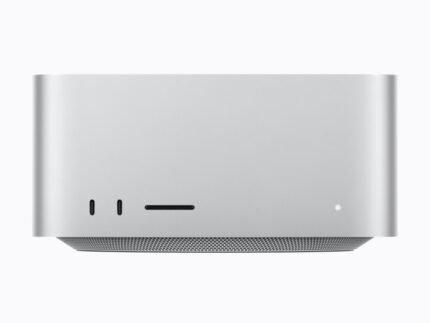
Apple Mac Studio (M5 Ultra)
Price range: $5,499.00 through $14,299.00

Apple MacBook Pro (M5 Max)
Price range: $3,599.00 through $6,199.00

Beelink GTi12 Ultra Intel® Core™ i9-12900HK
Price range: $1,239.00 through $1,599.00

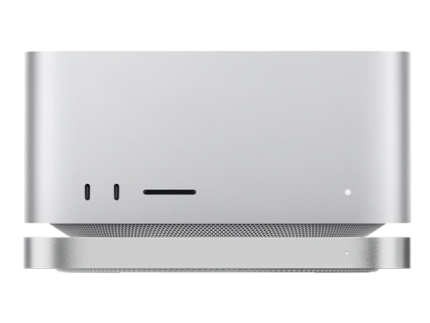

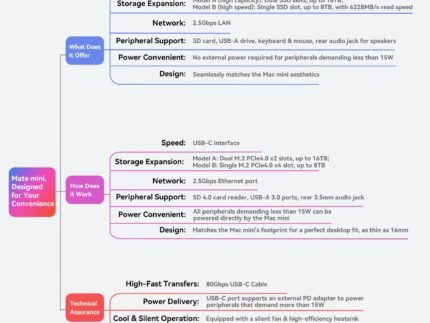
Beelink EX Mate Studio 80Gbps SSD Enclosure for Mac Studio
Price range: $119.00 through $479.00
Theo M. –
Run three or four local dev environments and VMs simultaneously without any slowdown, 64GB of unified memory turns out to be plenty for my backend work. Keyboard feel is still the best in the business as far as I’m concerned.
Benjamin O. –
Docker builds and Xcode compiles that used to eat into my lunch break now finish in a couple of minutes. Battery life is the real win though, I can leave the charger at home most days.
Liam K. –
Upgraded from an M1 Pro expecting a bigger leap and for general coding and browser work the difference is there but not dramatic. Still a very well built laptop, just don’t expect it to feel like a generational leap if your workload is fairly light.
Amara C. –
Fully remote and this has become my only computer, trackpad and keyboard are a joy to use all day and it stays whisper quiet during normal client calls and coding sessions.
Freya L. –
Bought this for my final year of uni before starting a software job and it’s been brilliant, more machine than I strictly needed as a student but it should carry me well into my career. A little pricier than I’d hoped to spend at this stage.