


Apple MacBook Pro (M5 Max)
Price range: $3,599.00 through $6,199.00
Apple’s most powerful laptop chip: 18-core CPU, up to 40-core GPU, up to 128GB memory.
MacBook Pro with M5 Max puts Apple’s most powerful laptop chip into the 14-inch and 16-inch MacBook Pro, and it’s built for one type of buyer: the professional who cannot afford to be tethered to a desk. Colourists grading on location, ML engineers fine-tuning models on a flight, and VFX artists reviewing renders client-side all need workstation-class power that survives a full day unplugged — and that’s exactly what M5 Max is designed to deliver.
Key Features
- 18-core CPU — 6 new “super core” high-performance cores plus 12 power-efficient performance cores, Apple’s fastest laptop CPU architecture to date.
- Up to 40-core GPU — the largest GPU ever fitted to a MacBook, with hardware-accelerated ray tracing for real-time 3D previews and colour work.
- Up to 128GB unified memory — enough to run large local AI models and handle huge multi-layer creative files without swapping to disk.
- Up to 614GB/s memory bandwidth (with the 40-core GPU configuration) — keeps CPU, GPU, and Neural Engine fed under sustained load.
- Liquid Retina XDR display — up to 1600 nits peak HDR brightness, ProMotion adaptive refresh up to 120Hz, in either 14.2-inch or 16.2-inch sizes.
- Up to 22-hour battery life (16-inch, video playback) — a genuine full working day away from a charger.
- Three Thunderbolt 5 ports, MagSafe 3, HDMI, SD card slot, and headphone jack — no dongle required for most professional workflows.
- Wi-Fi 7 and Bluetooth 6 for the fastest current wireless standards.
A Workstation That Happens to Be a Laptop
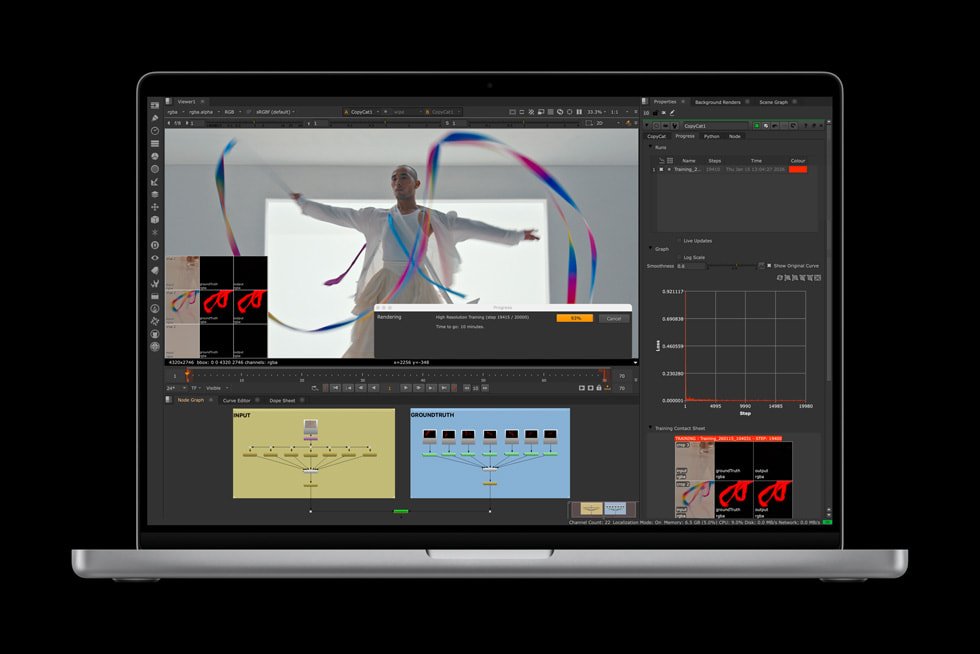
What separates M5 Max from every other laptop chip on the market is unified memory bandwidth combined with capacity: up to 128GB shared instantly between CPU, GPU, and Neural Engine means this MacBook Pro can run local large language models, fine-tune smaller models, and handle inference workloads that would choke a typical laptop with discrete VRAM limits. For AI engineers, that’s the difference between prototyping on-device and being forced back to a cloud GPU instance every time memory runs out.
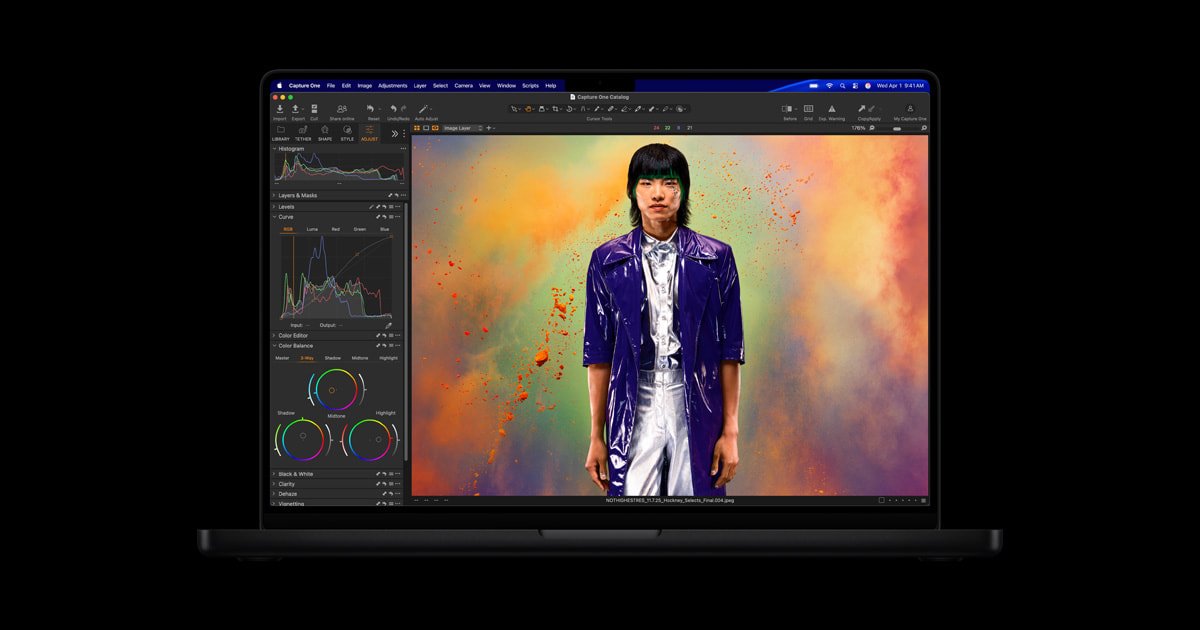
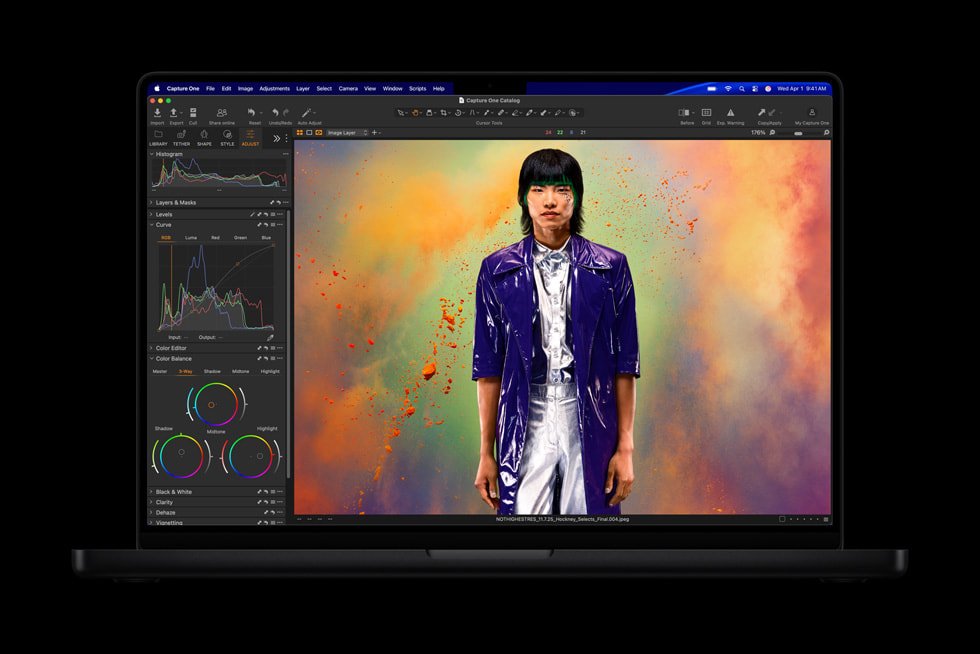
For video and creative professionals, the same architecture translates directly into timeline performance: multiple streams of 8K ProRes footage, GPU-accelerated colour grading, and complex Motion or Cinema 4D scenes all run without proxies. The Liquid Retina XDR display’s 1600-nit peak brightness and wide colour gamut mean what you see on screen is genuinely reference-accurate, so client reviews and colour-critical work don’t need a separate monitor. And because thermal design in the 16-inch chassis is built for sustained loads rather than short bursts, render and export performance holds up on a long session, not just in a benchmark.
Battery life is where this machine earns its “workstation” label rather than just “powerful laptop.” Up to 22 hours of video playback on the 16-inch model means location shoots, long-haul flights, and full conference days no longer dictate when you have to stop working. Combined with fast-charging support and a genuinely excellent keyboard and trackpad, this is the rare laptop that doesn’t force a compromise between raw performance and portability.
It’s also worth being honest about who this configuration is for. The M5 Max is the top of the MacBook Pro range, and that headline GPU and memory ceiling come at a real price premium over the M5 Pro model. If your day-to-day work is software development, general design, or office productivity, you’re unlikely to notice the difference and the Pro chip will save you money. But for editors cutting 8K footage, VFX artists building complex scenes, and AI engineers who genuinely need 128GB of unified memory to load large models locally, this is the configuration built specifically for that ceiling — and there currently isn’t a laptop alternative that matches it for sustained, untethered performance.
Specifications
- Chip: Apple M5 Max
- CPU: 18-core (6 super cores + 12 performance cores)
- GPU: 32-core standard, configurable to 40-core
- Unified memory: 24GB (14-inch) / 36GB (16-inch) standard, configurable up to 128GB
- Memory bandwidth: 460GB/s (32-core GPU) or up to 614GB/s (40-core GPU)
- Storage configurations available: 2TB or 4TB SSD
- Display: 14.2-inch or 16.2-inch Liquid Retina XDR, up to 1600 nits peak HDR brightness, ProMotion up to 120Hz
- Battery life: up to 20 hours (14-inch) or up to 22 hours (16-inch) video playback
- Ports: 3x Thunderbolt 5, MagSafe 3, HDMI, SDXC card slot, 3.5mm headphone jack
- Wireless: Wi-Fi 7, Bluetooth 6
- Weight: 3.6 lbs (14-inch) or 4.7 lbs (16-inch)
- Finish: Space Black or Silver
- Operating system: macOS
| Configuration | 64GB RAM / 4TB SSD, 128GB RAM / 4TB SSD, 48GB RAM / 2TB SSD, 64GB RAM / 2TB SSD |
|---|
16 reviews for Apple MacBook Pro (M5 Max)
Related products


Apple Mac mini (M4 Pro)
Price range: $1,399.00 through $2,799.00

Apple Mac Studio (M3 Ultra)
Price range: $3,999.00 through $9,699.00
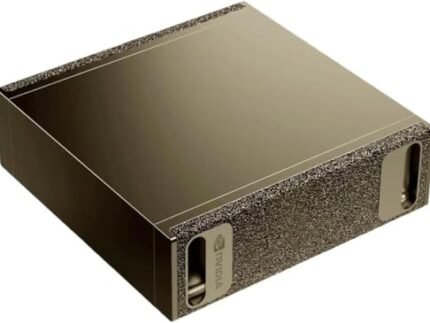
NVIDIA DGX Spark™ – Personal AI Desktop Supercomputer – Desktop GB10 Grace Blackwell Chip
Price range: $4,699.00 through $9,617.99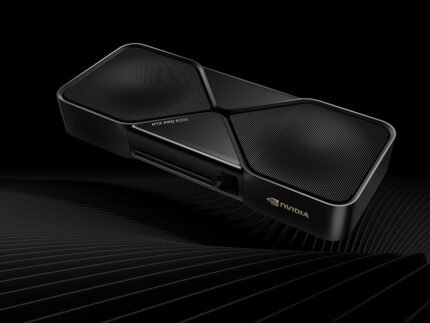


Beelink SEi14 AI Intel® Core™ Ultra 9 185H
Original price was: $2,199.00.$2,059.00Current price is: $2,059.00.

Pre-installed OpenClaw SSD Upgrade Kit
Price range: $189.00 through $529.00

Beelink SER9 Pro AMD Ryzen™ 7 H 255 (OpenClaw Pre-Installed)
Price range: $759.00 through $1,029.00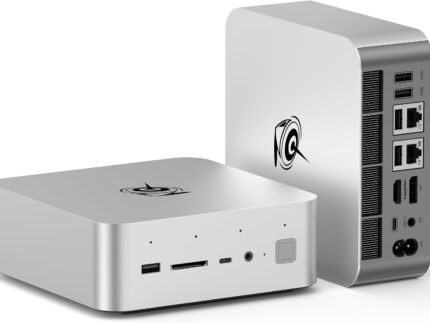

Wren T. –
Doing on-site visualisation walkthroughs for clients and being able to spin up real-time renders in the field rather than promising to email something later has genuinely helped close deals faster.
Silas H. –
The display brightness is genuinely useful reviewing footage outdoors in daylight, huge improvement over my old laptop where I was constantly cupping my hands round the screen. Fans do become audible during long export sessions though, worth knowing if you’re in a quiet room.
Ottilie F. –
Multicam stream highlights edited and exported between sets at a festival, on battery, with zero lag scrubbing 4K footage. This thing just does not slow down under pressure.
Perpetua J. –
Colour grading a documentary across three remote shoot locations with no reliable mains power for most of the day and this never once left me stranded. For documentary work this is exactly the laptop I needed.
Fionnuala B. –
Coming from a Windows machine there was a genuine adjustment period with keyboard shortcuts and trackpad gestures that took a couple of weeks to stop feeling clumsy. The hardware itself is excellent, it’s purely a case of retraining muscle memory.
Ryan D. –
Drive four external monitors off this via Thunderbolt for a full colour managed photo editing setup and the accuracy is spot on straight out of the box. Build quality feels like it’ll last a decade.
Guy P. –
Grading on set between takes used to mean lugging a workstation laptop that ran hot and died by lunch, this one handles the same colour work and is still going strong by wrap. Genuinely changed how I work on location.
Charlotte V. –
Coming from a Windows laptop the raw power is obvious, but there was a real adjustment period getting used to macOS workflows and I hit a frustrating snag getting our corporate VPN client to behave properly. Worth it for the hardware, just budget time for the switch.
Isabelle R. –
I edit on location constantly and the battery genuinely gets me through a full shoot day without hunting for an outlet. The XDR display makes on-set colour grading calls so much easier to trust than my old laptop’s screen.
Zara N. –
128GB is plenty for the local models I run day to day for research, though for the very largest ones I’m still offloading to a cloud instance occasionally. Portability while keeping that much power on tap is still remarkable though.
Cormac E. –
Photo culling and editing huge RAW batches for a wedding season is effortless on this. Only soft complaint is base storage fills up fast with high-res work and Apple’s upgrade pricing stings, so budget for that going in.
Ahmed F. –
Run inference on fairly meaty local models during my commute and the fans barely spin up, it’s uncanny how much power is packed into something this thin. Genuinely changed how I work when I’m away from my desk setup.
Josephine C. –
Cinema 4D and After Effects fly on this compared to my previous machine, renders that used to force me to walk away now finish while I’m still working. My only gripe is it’s noticeably heavier than I expected for something marketed as portable.
Anton R. –
Shot and edited an entire wedding weekend on location off battery alone, colour grading included, and never went looking for an outlet. That kind of reliability changes how I plan a shoot day.
Bartholomew L. –
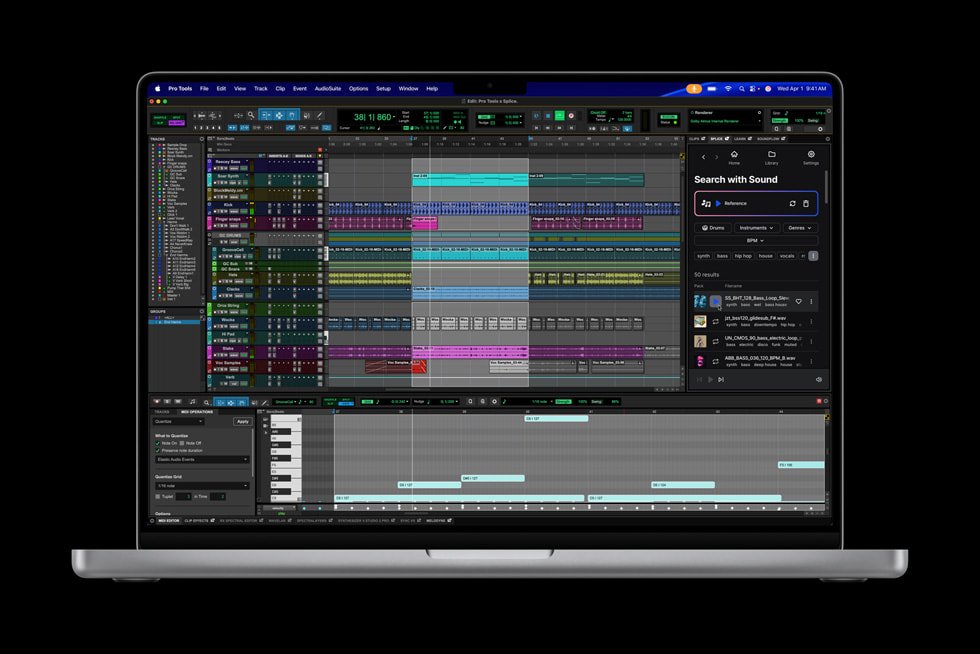
It’s an outstanding machine but it’s also a genuinely premium price for what most musicians actually need day to day. I considered the smaller 14-inch config to save money and probably should have, the extra screen real estate is nice but not essential for my sessions.
Priyanka S. –
Long haul flights used to mean my old laptop was dead before I’d finished testing a model, this one has genuinely lasted me through transatlantic trips with real work happening the whole time, not just idle in a bag.